How do you publish a coffee table book?
My first two books were successful. I used Shutterfly.
With Shutterfly you create the book on the Shutterfly website with their on-line tool. It’s very easy. You can’t use the source material anywhere but Shutterfly. The page quality is very good. Each book costs a lot. Glossy and heavy weight. You can’t have more than 110 pages. This is not a platform to use if you want to assign an ISBN number and publish formally to the world.
My third book was successful. This time, I wanted more pages, so I used MixBook Photo Co. MixBook allows up to 300 pages. As with Shutterfly, you use a proprietary on-line content creation tool. You can’t use the source material anywhere but MixBook The MixBook tool is easy to use. The page quality is very good – “Archival-quality silk, semi-gloss 100lb., acid and lignin free.” Each book costs a lot ($139.12 with shipping includiong a “bulk” discount for buying thirteen copies at one time). This is probably not a platform to use if you want to assign an ISBN number and publish formally to the world.
I decided to republish the books. Actually publish them so they could be bought through distributors. Amazon doesn’t have a platform for coffee table book creation. I found three POD (Print On Demand) suppliers and printed books on each:
- IngramSpark
- Barnes & Noble Press
- Lulu
There are others, but these three appear to be the best, based on my “not-exhaustive” research. All three require you to create and upload your own content PDFs, one for the interior pages and one for the cover. All three will give you a custom cover template to use after you specify your book format and upload the interior files. All three make similar, very nice gloss covers.
I recreated my Backpacking the Canol Heritage Trail book with Adobe Indesign. Adobe is the gold standard. I found Indesign to be fairly intuitive, except for setting font color. I will not get into the “stroke” thing, which is what you use to set font color. Not sure why Indesign doesn’t just have a font color selector.
The book has 225 printed pages with 484 pictures and a little over 17,000 words of text.
The summary:
Ingram Spark
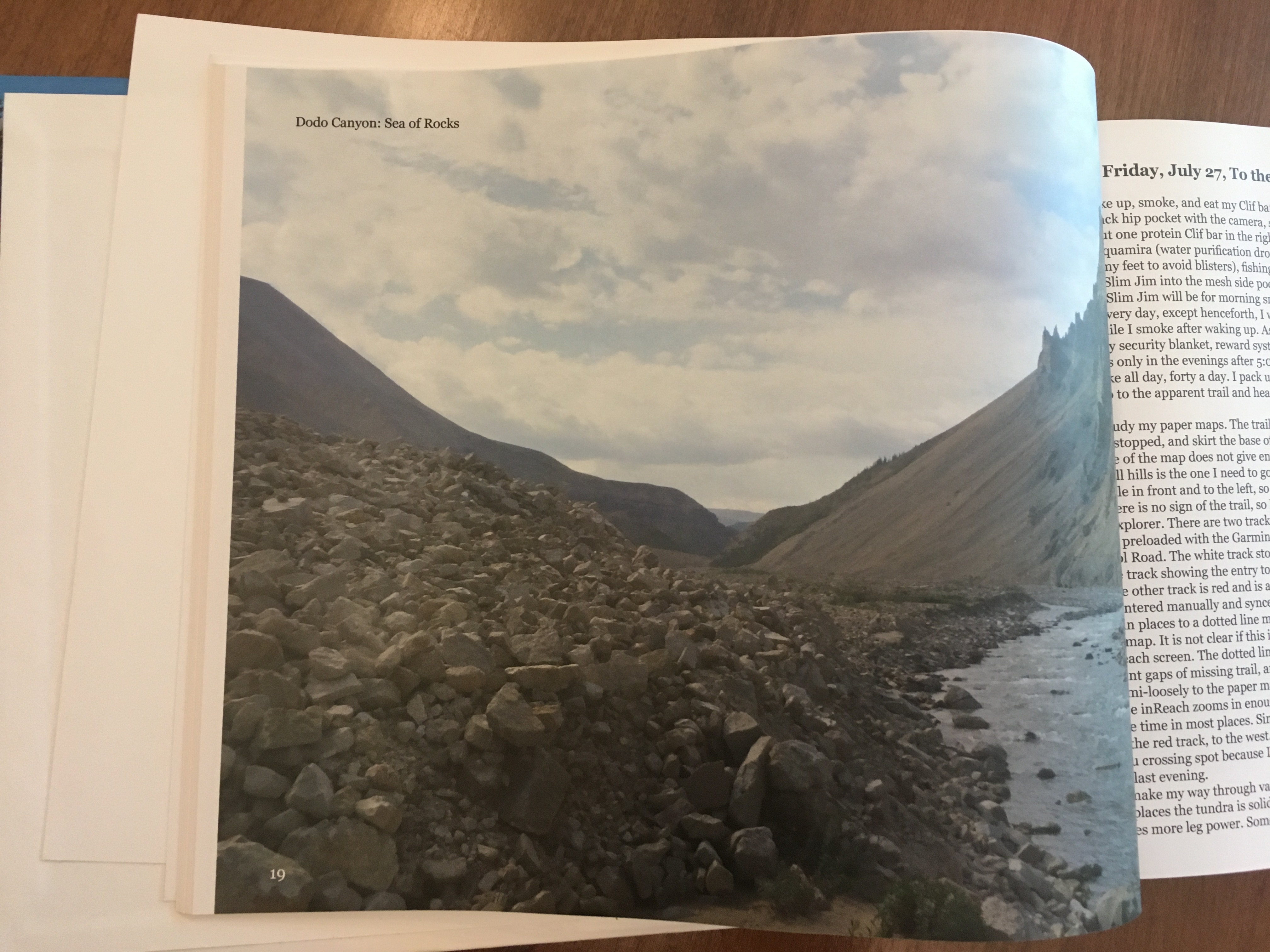
- Best interior pages print option is 60# Premium Color Matte Finish – the picture print quality is not as good as the other two suppliers.
- Print cost per book $34.88
Barnes & Noble Press
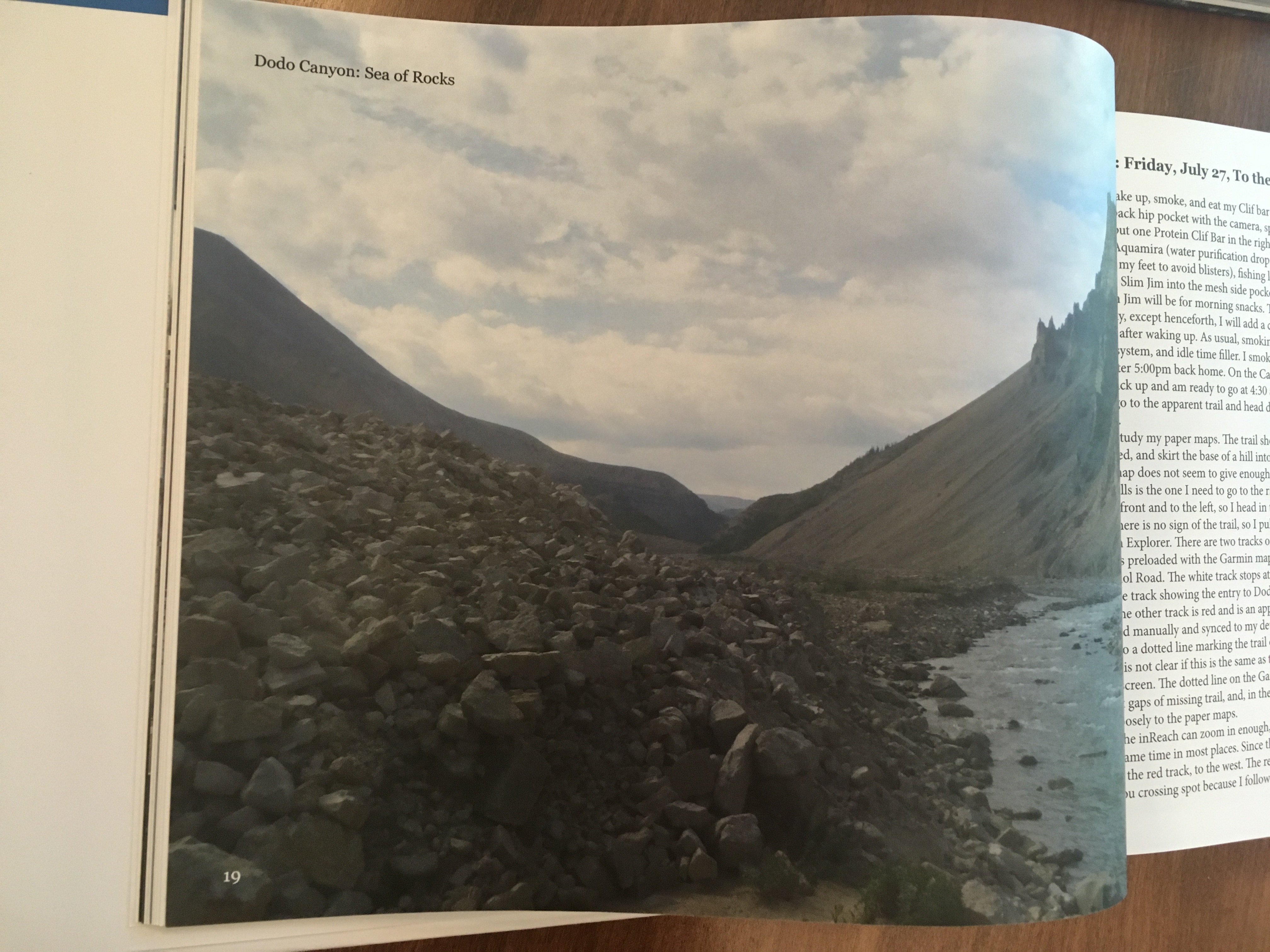
- Best interior pages print option is 70# Premium Color Matte Finish – the picture print quality is acceptable. Matte finish does not do justice to pictures.
- Print cost per book $29.70
LuluExpress
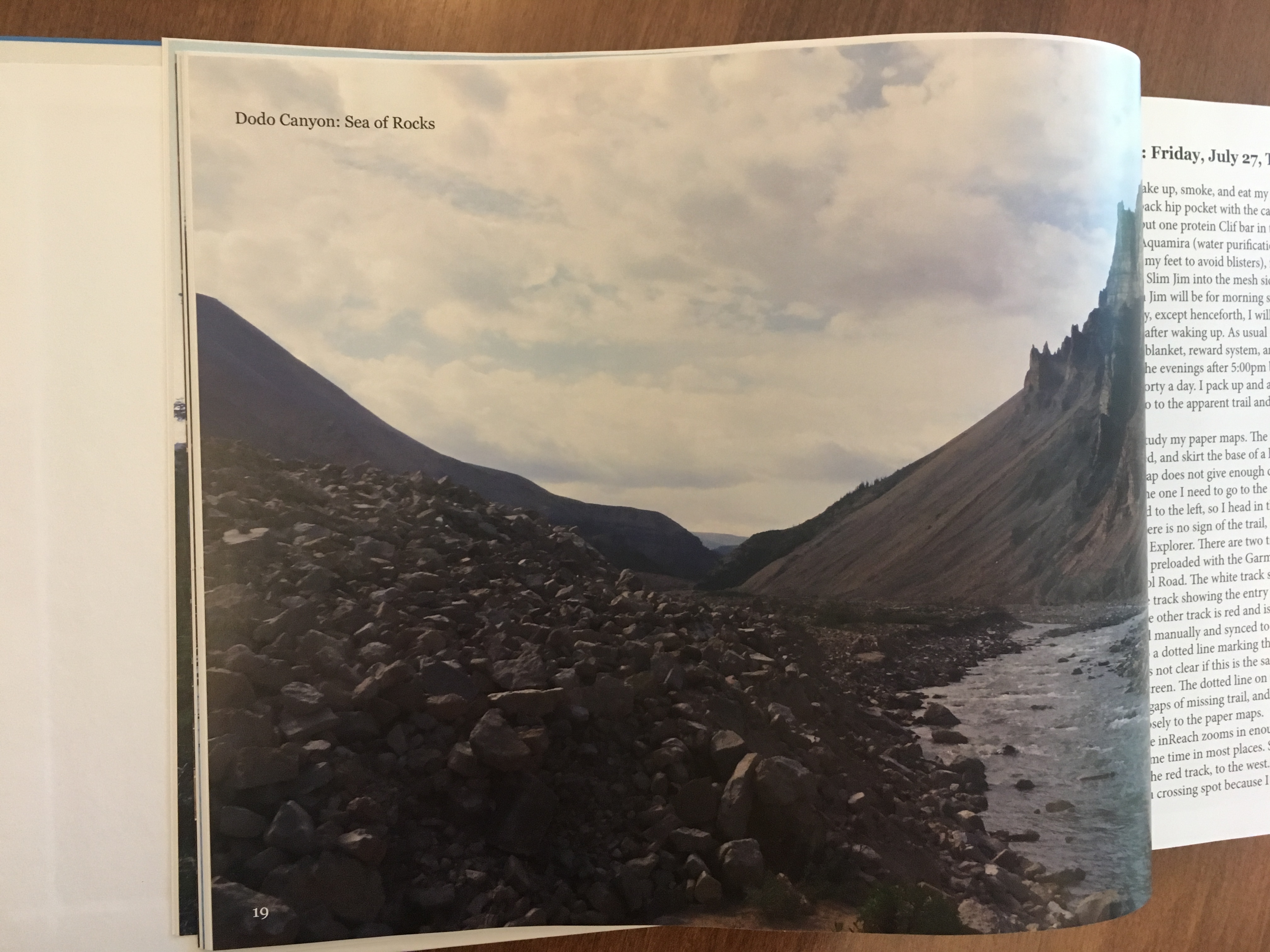
- Best interior pages print option is 80# Premium Color Gloss Finish – This is a picture book!
- Print cost per book $47.34
My conundrum – I think the book should be priced at $70. That’s what I would pay for a similar book. Problem is that I would expect Lulu quality at that price, but $70 sell price needs a print cost of, you guessed it, under $30 to allow me to make a little over $10 per book. (My expectations are low, I’m hoping to sell five. Fortunately, I have a regular job.)
So, what did I decide to do?
I’m doing two ISBN’s, one for the $70 B&N book and a different one for the TBD exorbitantly priced Lulu book. The ISBN description is clear about the B&N book being matte and directs to the other ISBN for gloss interior. The matte B&N pages are acceptable, though not spectacular. If I wanted the book and couldn’t afford the gloss interior, I could still get it for the lower price.
Update July 2019: I’ve discovered my LuluExpress book cannot be ported to the Lulu.com publishing site. Furthermore, Lulu.com publishing has different available book sizes and I would need to redo the book to publish with Lulu. I looked into selling from this website, but that will raise my monthly cost for WordPress from $8 to $25 to able to add a selling plugin. For a book that will probably sell less than ten copies, that doesn’t seem to have a good cost-benefit analysis result. So, I decided to sell it via Ebay. It’s up there now. This is not a horrible option. If I had sold retail, the book would have possibly priced out around $120 (don’t now, maybe as high as $150, 3x the print cost). On Ebay, I pay 10% to Ebay and around 3% to Paypal. I priced the book at $95.
In conclusion, I have not yet found a good way to print and publish a heavy weight gloss paper coffee table book. I’ll update this page if I find a way.
Hard to tell from the following pictures, but, the rocks in the foreground of the IngramSpark version are a little fuzzy. Lulu has the richest color, probably mostly due to the fact the pages are gloss.
Ingram Spark:
Barnes & Noble Press:
Lulu:
 Backpacking and Life